
DJ
How to prepare for your first DJ set
3 min read · September 28, 2026 · by Dropsland
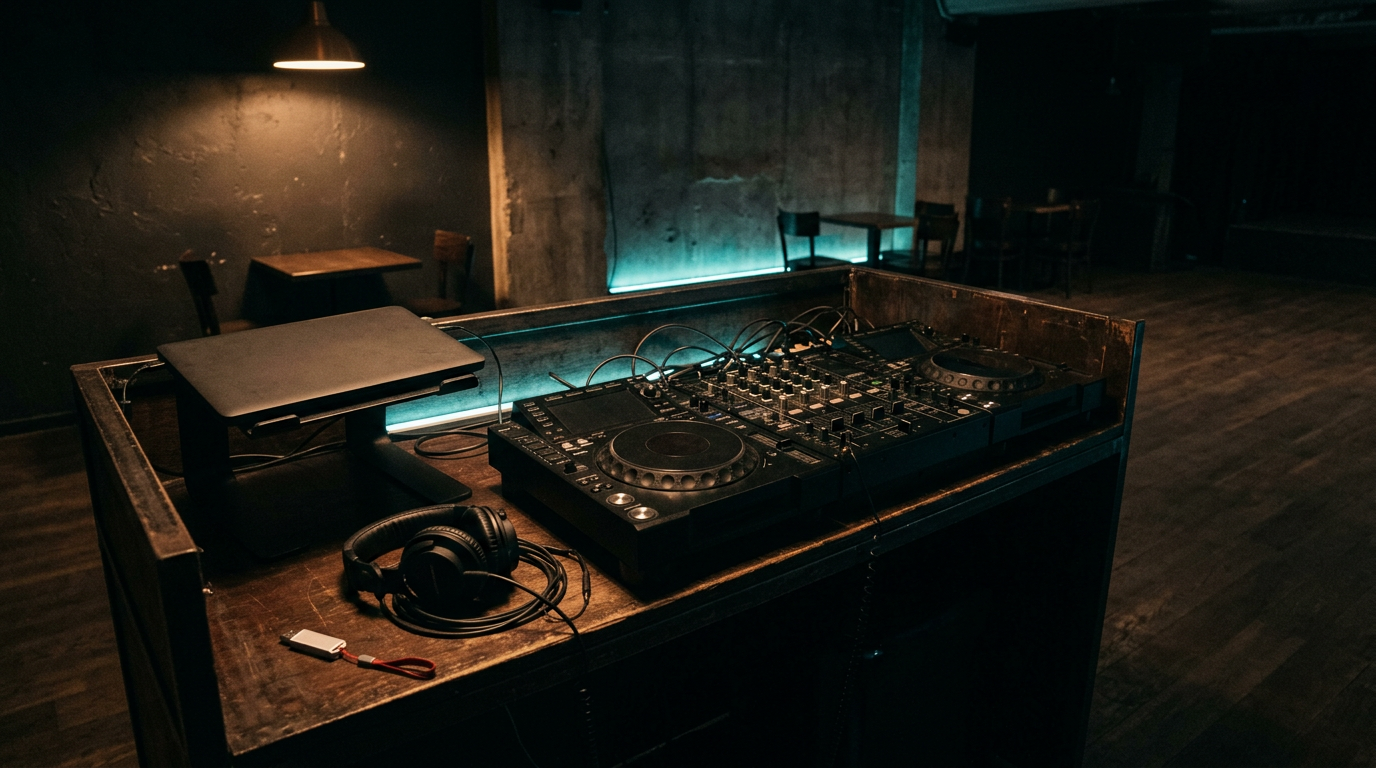
A first set is not won with 400 tracks you have never heard. It is won with a time slot, a booth, and a handful of records you already know how to bring in. The rest is one link for the date and, when the night is over, for the set.
Before you get in the booth
Ask how long you have and what time you start. A 60-minute slot is not built like a 25-minute one. Show up with twice the music you will play, not ten times. If you cannot hum the drop, that track does not belong in the first set.
- Practice the first 15 minutes and the close. The middle settles if the opening does not shake.
- Bring headphones, a spare cable, and the set on a USB stick. Do not trust one laptop battery.
- Listen to two or three tracks from the DJ before you. The first record has to fit that room, not the playlist from your apartment.
- Keep a backup of three tracks that work on their own, in case the mixer or the software does not.
Where the music comes from
On Dropsland you can make music and download tracks that are already finished. The studio generates a track from an idea. The DJ Pool holds remixes and originals you can download. The download is free: you sign in and rate the track from 1 to 5.
Remixes and edits stay in the pool. They do not go to Spotify from this flow. Originals can go to the stores, and they can also live in the pool if you want them in the booth. For a first set, the pool is enough. You do not have to wait on a release date to have something to practice.
The smart link: the date, then the set
Your smart link is the profile at drops.land/yourname. That is where the show date goes: title, day, room, and a ticket link if there is one. The date shows on your profile and on the calendar. It is the link you can send when someone asks where you are playing.
Once the set is recorded, it goes on the same profile. The file is not uploaded to Dropsland. You paste a YouTube or SoundCloud link, with a title and the date it was played. Anyone who opened the smart link for the show finds the set in the same place.
An order that holds
- Create the account and the profile at drops.land/yourname.
- Generate a track of your own, or download from the DJ Pool what you already know by heart.
- Run the full slot once, and do not skip the close.
- Add the date to the smart link before you announce it.
- After you play, publish the set with the YouTube or SoundCloud link.
Frequently asked questions
Can I play DJ Pool remixes live?
Yes. That is what the pool is for. Those remixes and edits are not sent to Spotify. You download them for the booth after you sign in and rate the track from 1 to 5.
Where do I publish the show date?
On your smart link, drops.land/yourname. The date also goes on the public Dropsland calendar.
How do I publish the set afterward?
On the same profile, with a YouTube or SoundCloud link. You do not upload the audio to Dropsland.